Microsoft’s metaverse will finally arrive in January, along with new Teams features that will allow users to decorate their backgrounds with AI.
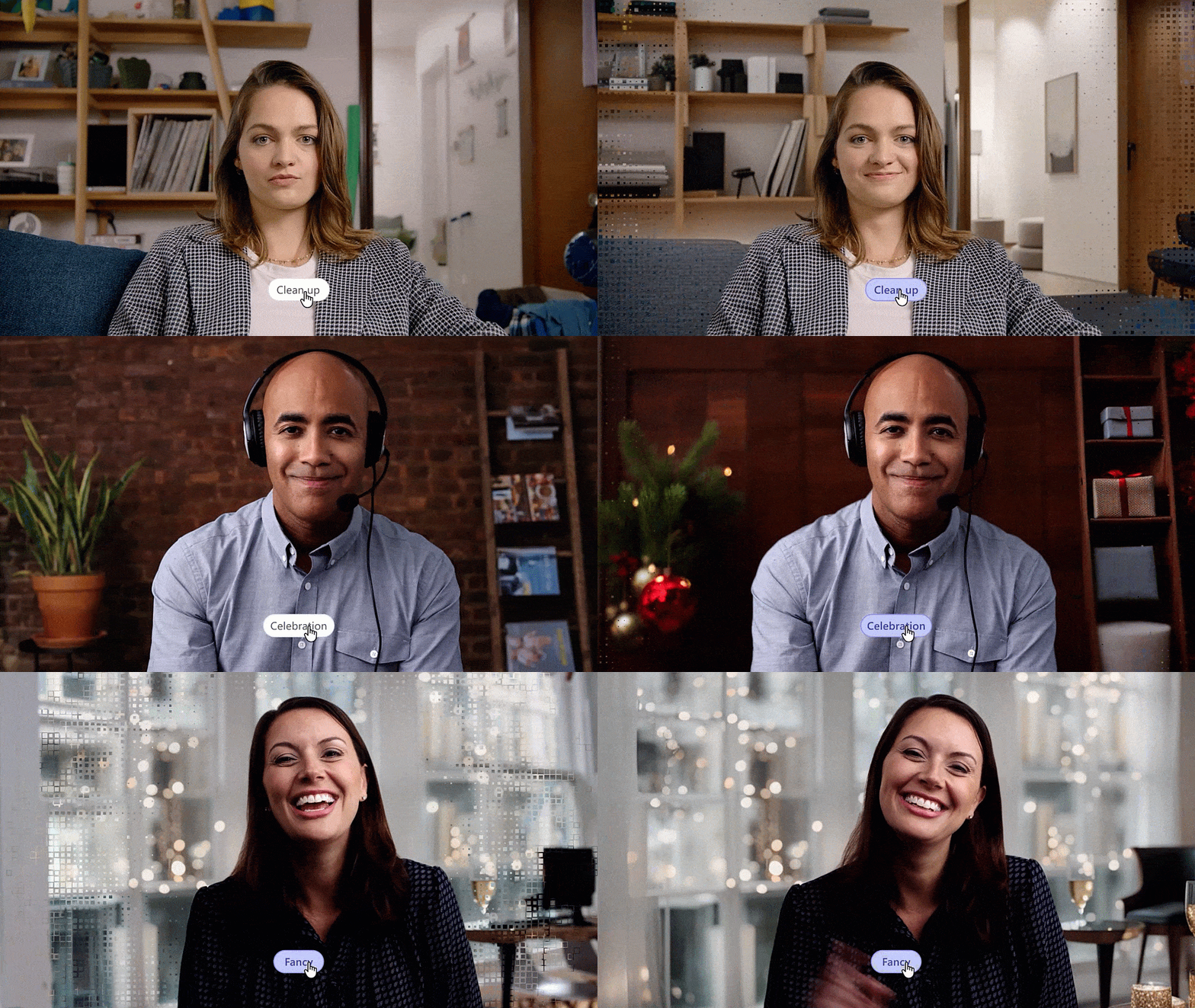
Over 320 million users use Microsoft Teams monthly, and Microsoft has identified two new features that it thinks they will care about: using AI to filter your voice (and just your voice) in Teams calls, and the rather wild ability to use AI to clean up your background. As to the latter, it sounds like what you might think: Teams identifies your background as a picture, and then optimizes it. Begone, clutter!
There are a number of smaller features that Microsoft is adding to Teams, which we’ll mention in a bit. First, however, is a big feature which you’ll likely not care about: the debut of Microsoft Mesh.
Remember that in March 2021, Microsoft debuted Mesh as the VR metaverse of the future. Technical fellow Alex Kipman (who left in 2022 after allegations of abuse) disclosed that the whole Ignite conference was being held within Mesh.
Microsoft
Now, at Ignite 2023, things have changed. Kipman’s gone. Microsoft’s HoloLens floats somewhere in the Schrodinger duality of product and non-product with the U.S. Army, and many of the development teams have been laid off. Meta (nee Facebook), of course, bet its future on the metaverse and then backpedaled in favor of AI. Consumers largely shook their heads and walked away from the concept of a metaverse as a whole.
That hasn’t stopped Microsoft from finishing up its big swing on Mesh. Immersive spaces in Teams will allow hosts to turn 2D Teams meetings into 3D spaces, with custom avatars in either environment. There will be seat assignments and spatial zones, allowing for “private” conversations. Participants will be able to raise hands (presuambly virtual ones) and then address the group as a whole. Custom immersive spaces will be part of a Teams Premium subscription, and it will all roll out in January. We’ll have to see if users sign on. Remember, Teams is being pushed even harder on the Windows 11 taskbar.
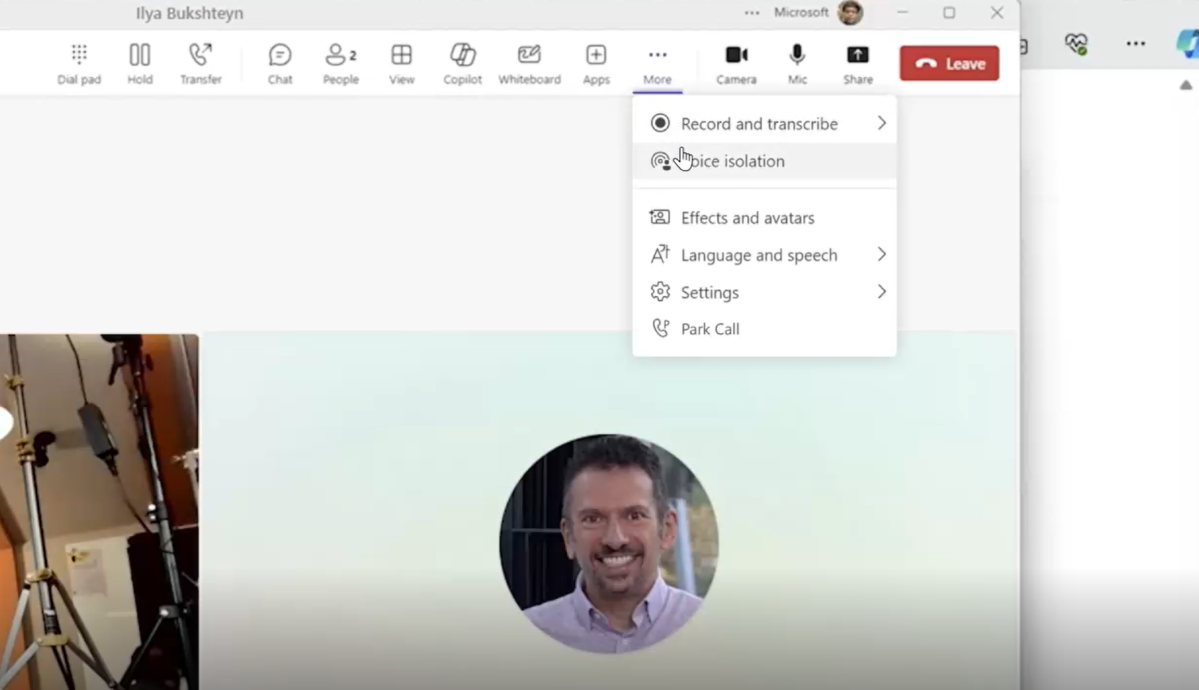
The more familiar Teams experience will be nudged further ahead, too. The AI filtering solution that Microsoft is developing is for people who are in a room with others, with Teams now programmed to focus on the speaker and filter everything else.
Microsoft
Custom backgrounds that use AI to clean up or spice up your environment (Christmas lights!) are being complemented by custom announcement backgrounds that can be added to specific channels. You’ll be able to personalize them with group chat profile pictures, and custom default reactions.
More practical Teams improvements include:
The new Teams Web experience. Disclosed earlier, the new Teams experience is avaialble for Edge and Chrome. It promises up to two times faster performance while using 50 percent less memory.
New keyboard shortcuts. New shortcuts include Alt+Shift+D to set status to Do not disturb and Alt+Shift+R to reply quickly to the latest message received.
Better code blocks. Code for a living? You’ll be able to use markdown or pick the code language for syntax, beginning in January.
Forward chats. In January, you’ll be able to highlight a message in Teams chat and forward it to another user.
Simplified notifications. Users will be able to clear notifications with a single click in activity, chat, and channels and customize Teams notification settings, beginning in January.
Teams Phone privacy: If you’re an executive and need to take a direct call without your assistant listening in (“Hi, honey!”) you can specify a private, secondary number with a distinct ringtone. Teams is also adding protected voicemail, along with notifications, for a message that contains sensitive information.
Correction: According to Microsoft, Teams now has 320 million monthly users, not 250 million.
Credit: Source link